
CS Portable
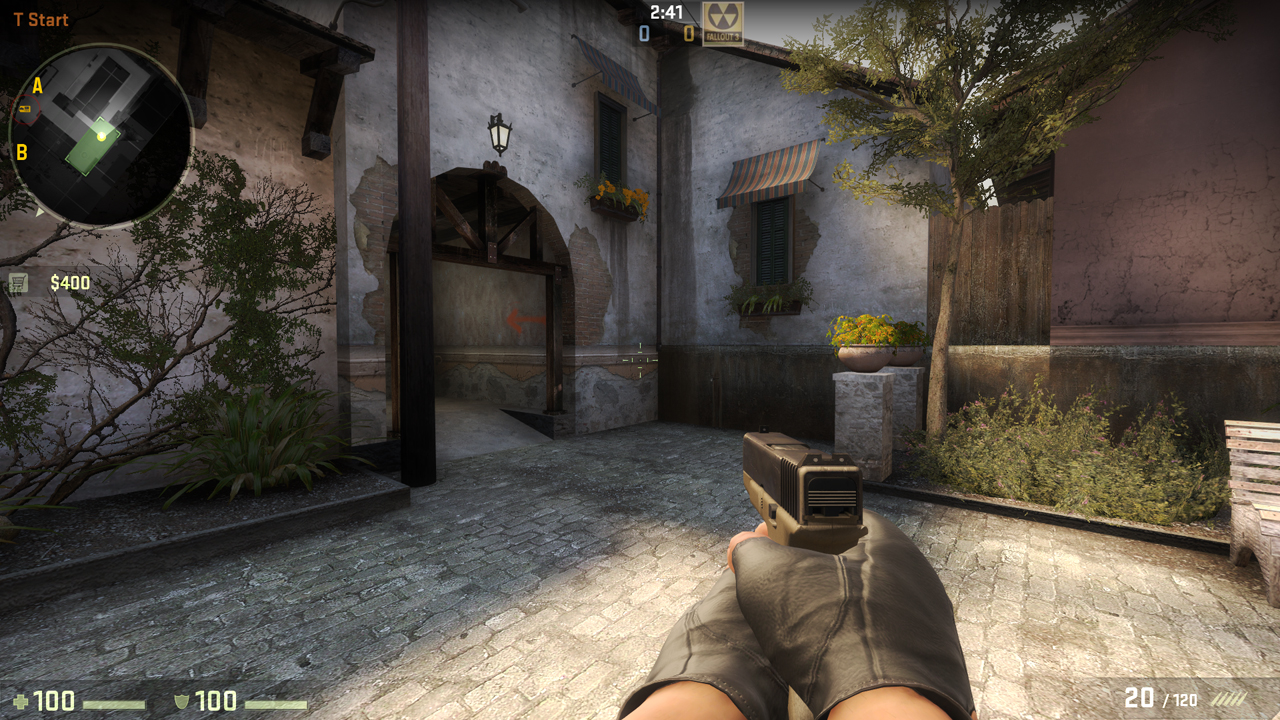
CS Portable is a lightweight, portable version of Counter-Strike, designed for quick and easy play on low-end systems. It retains the core mechanics of the original Counter-Strike, including multiplayer gameplay, various maps, and game modes such as Team Deathmatch and Bomb Defusal.
📥 Installation
Section titled “📥 Installation”CS Portable can be installed via Batocera Unofficial Add-Ons (BUA). To install:
- Open Batocera Unofficial Add-Ons from the Ports menu.
- Browse the available add-ons and locate CS Portable.
- Select Install and wait for the installation to complete.
- Once installed, CS Portable will be available in your game list.
🎮 How to Play
Section titled “🎮 How to Play”- After installation, navigate to the Ports section.
- Locate CS Portable in the game list and launch it.
- Choose between single-player (against bots) or multiplayer (online or LAN).
- Select a game mode and start playing.
⚙️ Configuration
Section titled “⚙️ Configuration”- Controls: Supports keyboard/mouse and gamepad configurations.
- Graphics Settings: Adjust resolution, texture quality, and effects for optimal performance.
- Multiplayer: Join public servers or set up private matches.
- Customization: Modify key bindings, crosshairs, and in-game settings.
🛠️ Troubleshooting
Section titled “🛠️ Troubleshooting”| Issue | Solution |
|---|---|
| Game not launching | Re-run the installer. If issues still exist, check out the troubleshooting guide. |
| Lag or performance drops | Lower graphics settings or disable extra effects. |
| Server connection issues | Ensure your network settings allow multiplayer connections. |
| Controls not responding | Verify input settings and reconfigure if needed. |