
Bottles
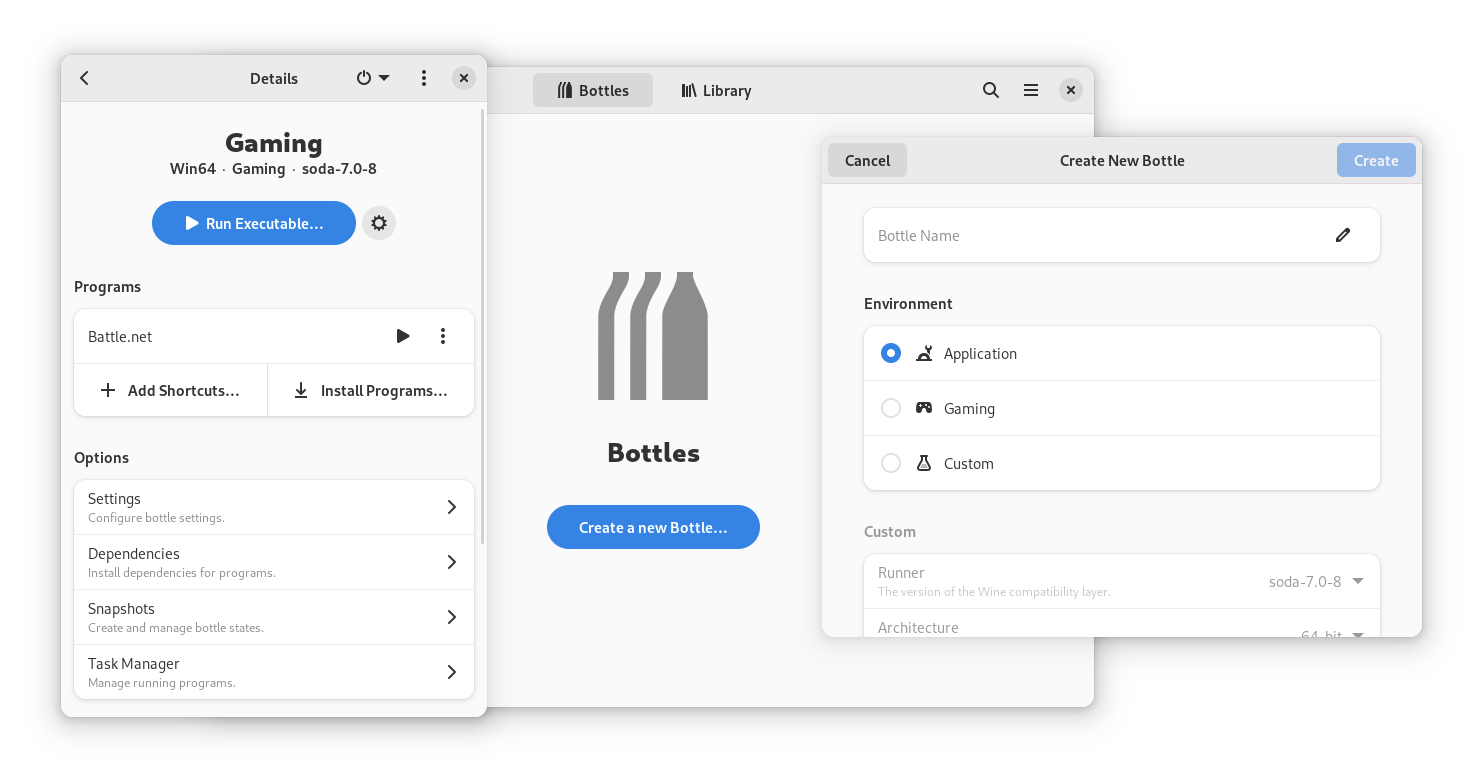
Bottles is a modern Wine manager that simplifies running Windows software on Linux. It allows you to create isolated environments (called “bottles”) with custom settings, dependency installation, and DXVK/VKD3D support. Bottles is perfect for fine-tuning Windows game compatibility in Batocera.
📥 Installation
Section titled “📥 Installation”Bottles is available through the Batocera Unofficial Add-Ons (BUA) system:
- Open Batocera Unofficial Add-Ons from the Ports menu.
- Navigate to the Game Utilities section.
- Select Bottles and press Install.
- After installation, Bottles will appear in the Ports section in EmulationStation.
🍷 How to Use
Section titled “🍷 How to Use”- Launch Bottles from the Ports menu.
- Create a new bottle (gaming, application, or custom).
- Install your Windows game or app inside the bottle.
- Use the built-in tools to tweak settings, install dependencies, and apply patches.
⚙️ Configuration
Section titled “⚙️ Configuration”- Bottle Types: Choose from Gaming, Application, or Custom presets.
- Wine Tools: DXVK, VKD3D, and runtime managers included.
- UI: Sleek, user-friendly interface for managing multiple Wine environments.
🛠️ Troubleshooting
Section titled “🛠️ Troubleshooting”| Issue | Solution |
|---|---|
| App won’t install | Check compatibility and install required dependencies from the Tools tab. |
| Game crashes | Try switching Wine versions or enabling DXVK. |
| Bottle won’t run | Reboot Batocera or rebuild the bottle from scratch. |
| Performance issues | Lower graphics settings inside the game or tweak Wine overrides. |
Bottles is an open-source project designed to make Wine management accessible and powerful for all users.