
Jellyfin
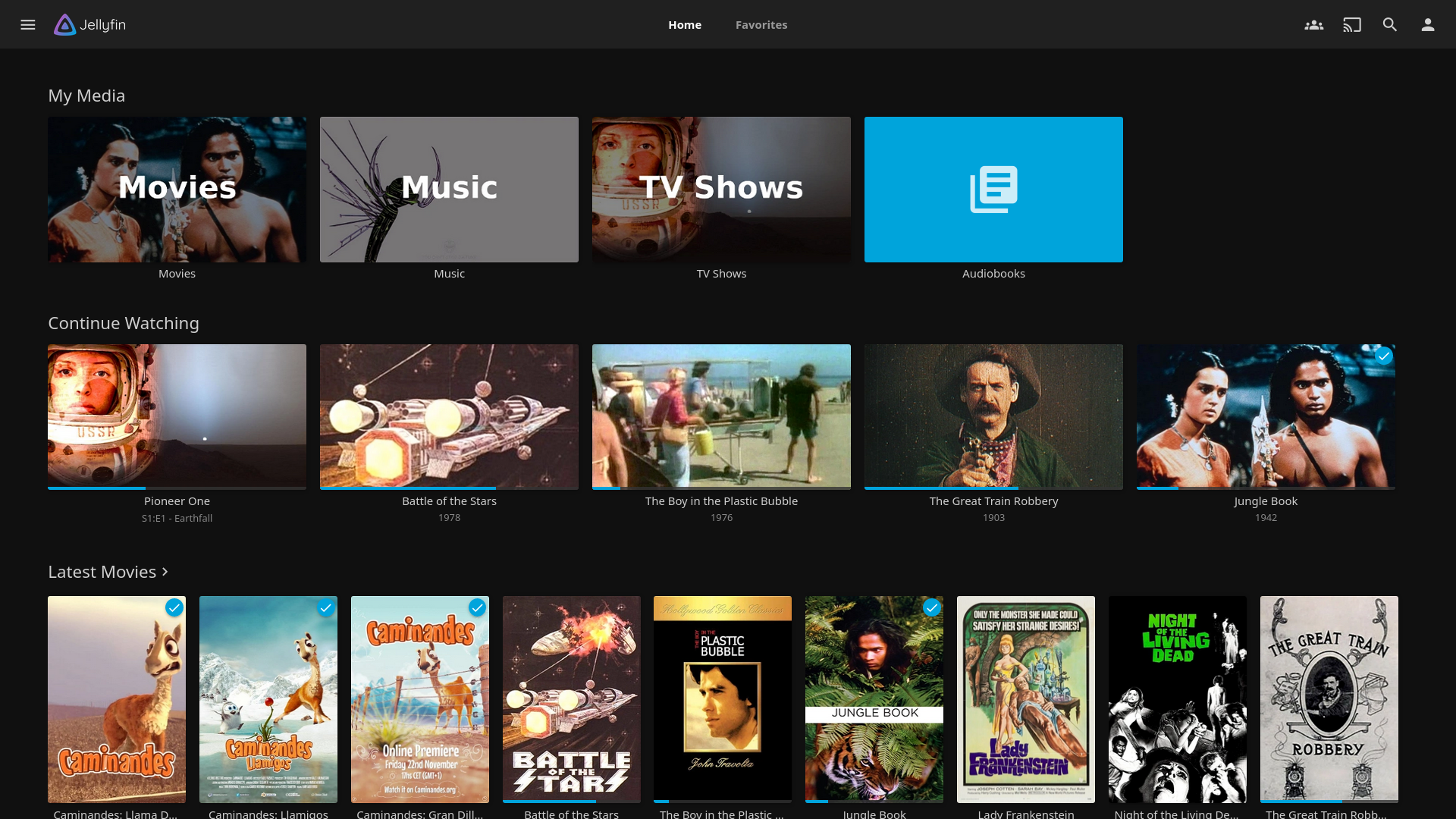
Jellyfin is a free and open-source media server that lets you stream your movies, TV shows, music, and more across your network. It’s a great alternative to Plex or Emby, and it runs entirely on your Batocera system without requiring any external accounts.
📥 Installation
Section titled “📥 Installation”Jellyfin is available via the Docker Menu in Batocera Unofficial Add-Ons (BUA):
- Launch Batocera Unofficial Add-Ons from the Ports menu.
- Open the Docker Menu.
- Select Jellyfin and press Install.
- The container will automatically launch after installation.
🌐 Access
Section titled “🌐 Access”- Jellyfin uses a dynamically assigned port, starting from
8096. - The actual port will be displayed at the end of installation.
- Access the Jellyfin dashboard by visiting:
http://batocera.local:<assigned-port>
(replace<assigned-port>with the one shown during install)
🎬 Features
Section titled “🎬 Features”- Stream media from local storage to any device.
- Fully web-based interface with mobile and TV support.
- Multiple user profiles and parental controls.
- Metadata scraping, subtitles, transcoding, and more.
🛠️ Troubleshooting
Section titled “🛠️ Troubleshooting”| Issue | Solution |
|---|---|
| Media not showing | Check library folder paths and permissions. |
| Slow performance | Use wired network and consider enabling hardware acceleration in Jellyfin settings. |
| Can’t access UI | Verify assigned port and check Docker container status. |
| Playback issues | Adjust transcoding settings or ensure supported formats. |