
UmbrelOS
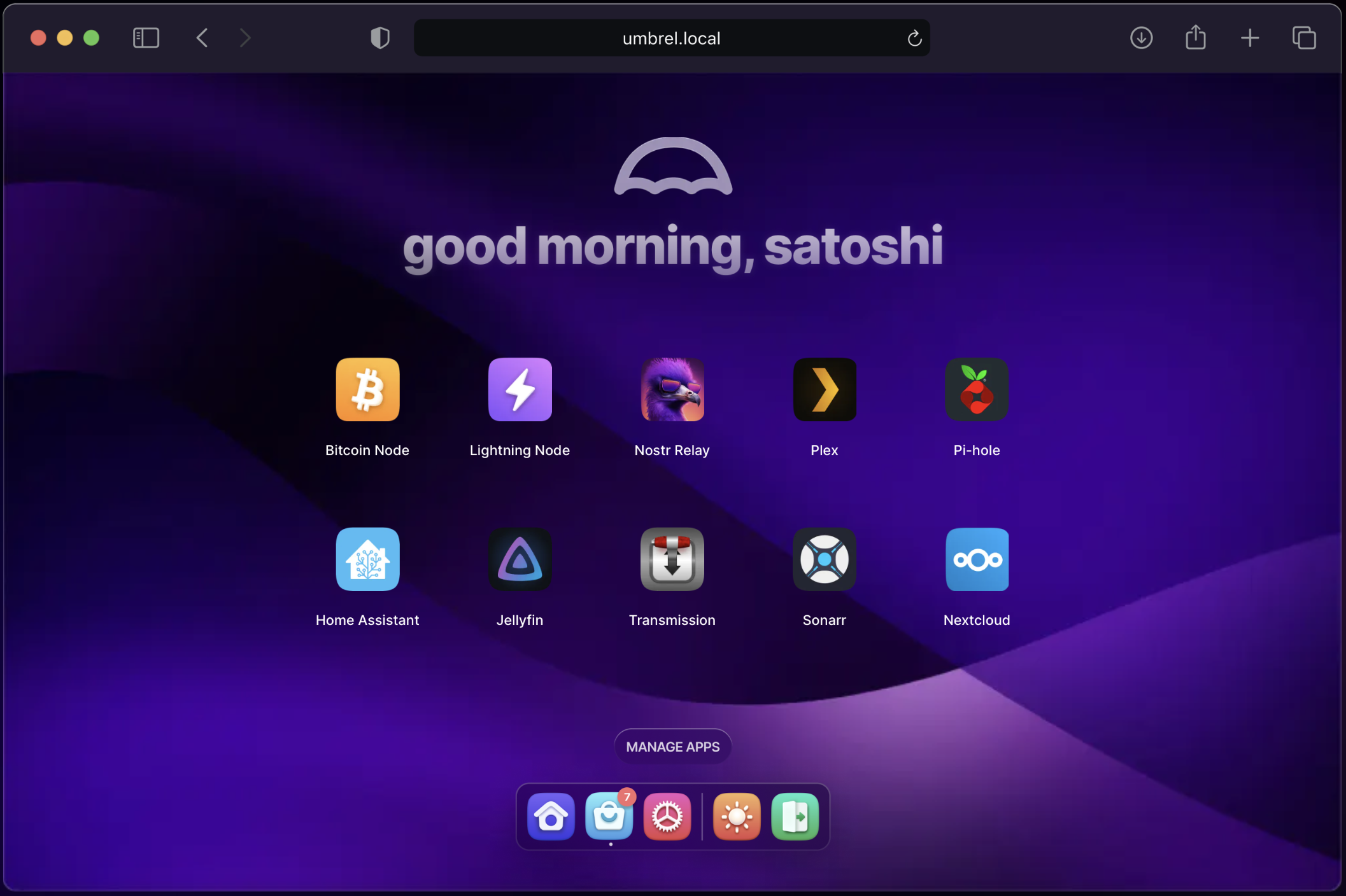
UmbrelOS is a personal server operating system designed to run privacy-respecting apps in Docker containers. With a sleek web UI and integrated app store, it allows you to self-host tools like Bitcoin/Lightning nodes, Nextcloud, Vaultwarden, and more—all from your Batocera device.
📥 Installation
Section titled “📥 Installation”UmbrelOS is available via the Docker Menu in Batocera Unofficial Add-Ons (BUA):
- Launch Batocera Unofficial Add-Ons from the Ports menu.
- Open the Docker Menu.
- Select UmbrelOS and press Install.
- After installation, UmbrelOS will be available via web browser.
🌐 Access
Section titled “🌐 Access”- Visit:
http://batocera.local
(or use your Batocera device’s IP address on port 80)
⚙️ Features
Section titled “⚙️ Features”- Self-hosting hub with a growing app ecosystem.
- Fully Docker-based and modular.
- Strong focus on privacy and decentralization.
- Apps include Nextcloud, Vaultwarden, PhotoPrism, Bitcoin Node, and more.
🛠️ Troubleshooting
Section titled “🛠️ Troubleshooting”| Issue | Solution |
|---|---|
| Web interface not loading | Make sure port 80 is accessible and the container is running. |
| App installation fails | Check available disk space and try again. |
| Network issues | Reboot your system or verify DNS settings in your router. |