
Lutris
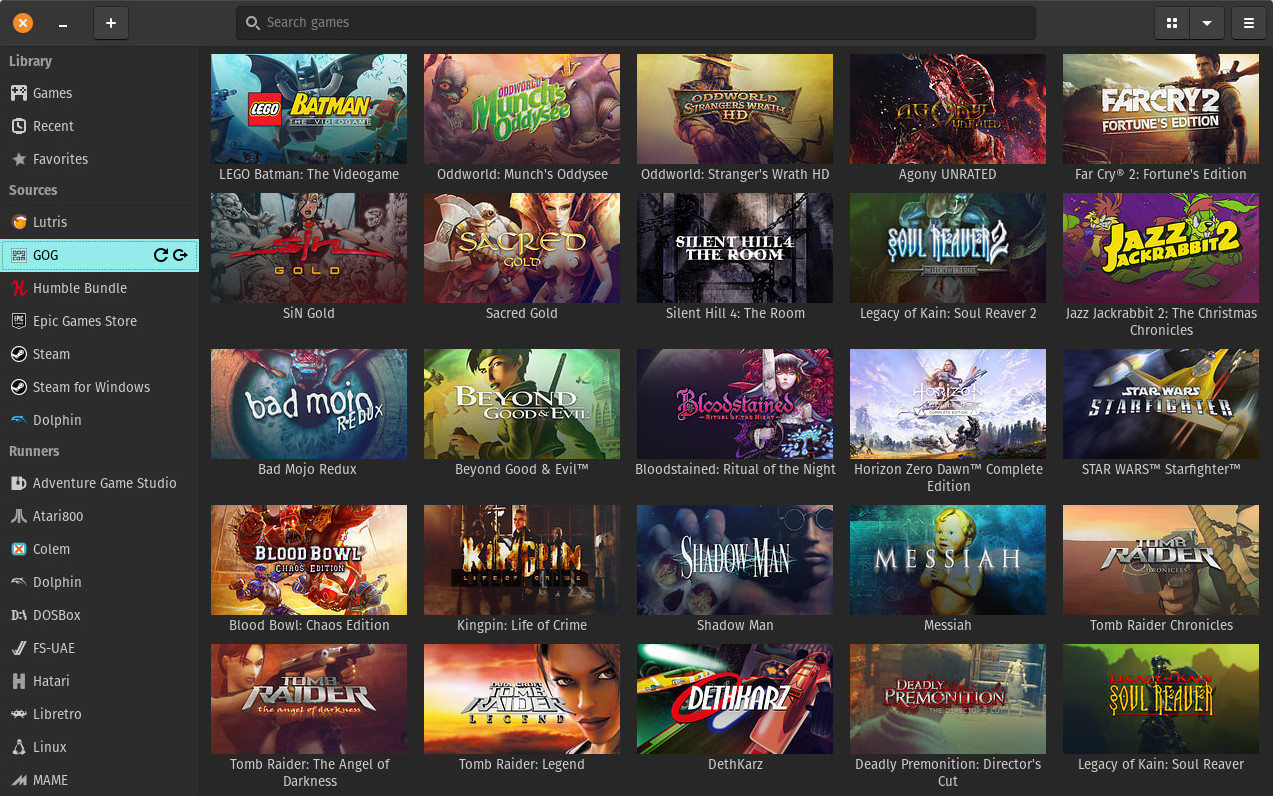
Lutris is an open-source game launcher and manager that supports native Linux games, Windows games (via Wine), emulators, and more. It allows you to manage all your games from a single interface with install scripts, performance tweaks, and advanced configuration.
📥 Installation
Section titled “📥 Installation”Lutris is available through the Batocera Unofficial Add-Ons (BUA) system:
- Open Batocera Unofficial Add-Ons from the Ports menu.
- Navigate to the Game Utilities section.
- Select Lutris and press Install.
- After installation, Lutris will appear in the Ports section in EmulationStation.
🎮 How to Use
Section titled “🎮 How to Use”- Launch Lutris from the Ports menu.
- Sign in with your Lutris account (optional).
- Use the built-in search to find install scripts for your games.
- You can also manually add and configure your own games and launchers.
⚙️ Configuration
Section titled “⚙️ Configuration”- Wine Support: Lutris can manage Wine configurations for each Windows game.
- Runner Support: Supports multiple backends (e.g., Wine, DOSBox, ScummVM, etc.).
- Game Library: Organize, tag, and launch games from a unified interface.
🛠️ Troubleshooting
Section titled “🛠️ Troubleshooting”| Issue | Solution |
|---|---|
| Game won’t launch | Check runner configuration or try a different Wine version. |
| Installation script fails | Confirm network connection and try again. Some scripts may require manual fixes. |
| Controller not detected | Configure the controller in EmulationStation before launching Lutris. |
| Missing dependencies | Some games may require specific runtime libraries. Refer to the Lutris logs for hints. |
Lutris is developed by the open-source community and supports a wide range of gaming platforms and tools.